
Brother printers, sized to the team.
Brother builds around workgroups rather than whole buildings, so the machine matches the handful of people who actually share it. We help you pick the right one, then install, train and support it on one managed contract.
The right size machine, not the biggest one.
Plenty of offices end up paying for a device built for three times the work they put through it. Brother's range is organised around workgroups, from a small team up to a busy floor, which makes it far easier to match the machine to the people sharing it.
- Sized by workgroup. Award-winning multifunction devices, wireless models and both A3 and A4, from a startup to a large corporation.
- High-yield consumables. Larger toner and ink cartridges bring the cost per page down on the work you repeat every week.
- Simple to live with. Touchscreens with shortcuts your team can set themselves, plus built-in networking and mobile printing.
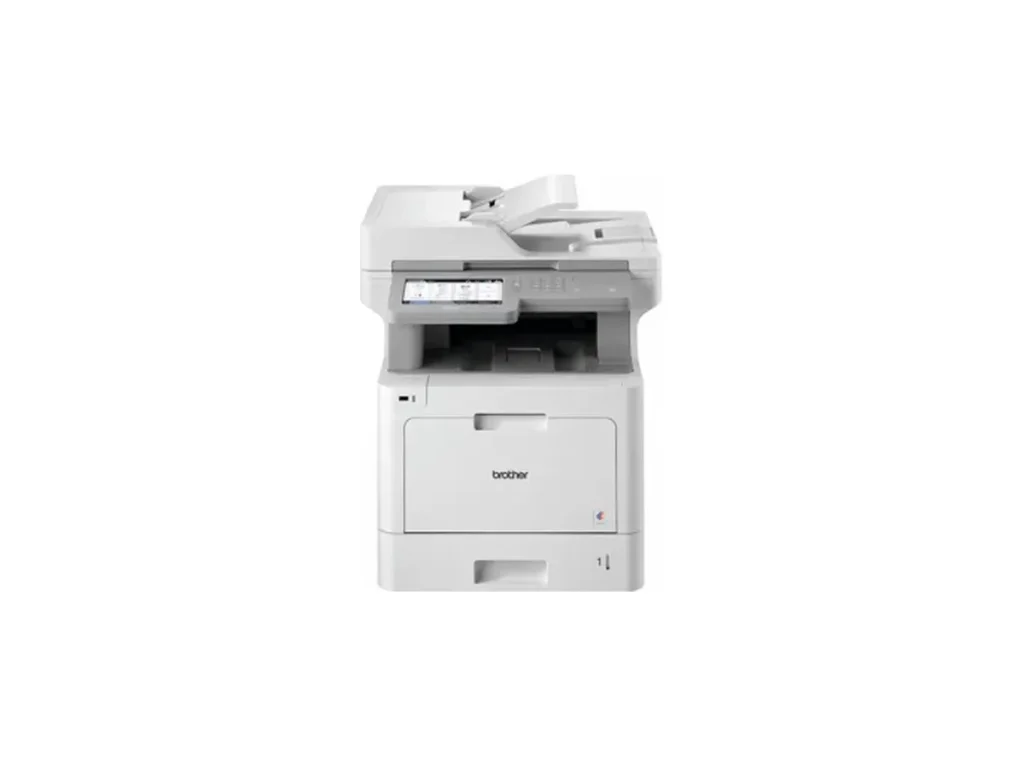
Printing that just gets on with it.
Brother's managed print service takes the running of your devices off your desk. Toner arrives before you run out, servicing is scheduled rather than reactive, and the monthly cost stops moving around.
For most businesses that means one less thing to chase. Nobody is ordering cartridges, nobody is waiting on an engineer, and the print budget becomes a number you can plan around rather than a surprise each quarter.
Request a Quote
Brother MPS Makes Printing SimpleWatch on YouTube
Two questions, one recommendation.
Brother splits its range by what you print and how much of it. Answer both and we will point you at the model that fits, then take you straight to a quote.
Answer both questions and we will suggest the Brother that fits, with a quote a click away.
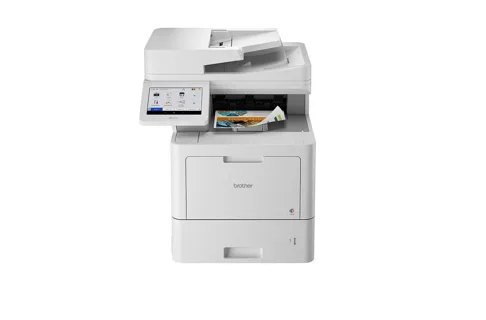
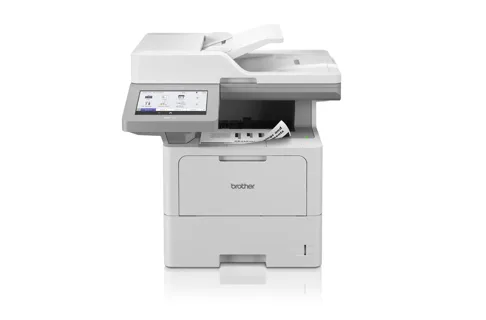
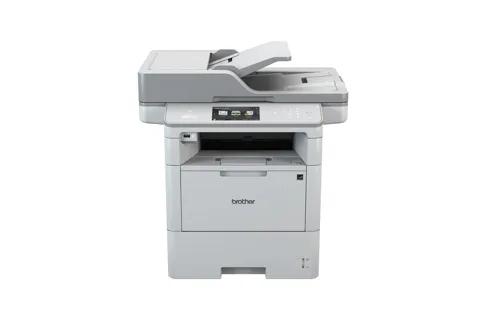
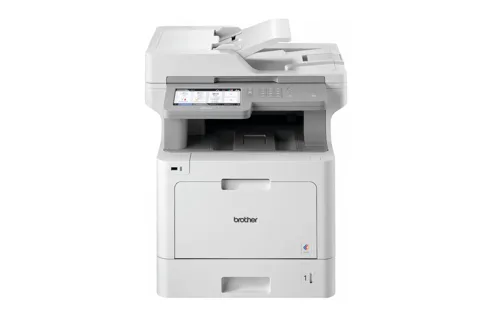
See All Four ModelsFour machines, workgroup to business volume.
Two colour, two mono, each one built for a different amount of work. Every model here is a professional multifunction laser device.
The complaints we hear, and what answers them.
Name the one that sounds like your office and we will tell you which Brother deals with it.
Printing crawls at the busiest time of day
Fast print engines and dual-core processors clear the queue instead of letting it stack up while half the office stands waiting at the machine.
Constant paper jams and callouts
Paper handling built to take a knock reduces jams, which is the difference between a device people trust and one they avoid.
Big jobs eating the consumables budget
High-yield toner and ink cartridges cut the cost per page significantly on long runs.
Nobody can work the interface
Clear touchscreens and shortcuts your team sets up themselves, so the common jobs take one press.
Old devices that hybrid working has left behind
Built-in networking and mobile printing mean the device works the same whether people are at their desk or at home.
A leader on paper, and in the rainforest.
Brother has been recognised as a leader in global sustainability, working towards a fully circular economy for its products and services. Some of that shows up in the machine itself, and some of it a long way from your office.
- A 100% circular economyBrother's stated goal for its products and services, not a target for one product line.
- Free recycling programmeMachines, cartridges and packaging go back to Brother rather than into a skip.
- Two-sided by defaultAutomatic duplex and toner-save modes cut paper and consumable waste without anyone thinking about it.
- Cool Earth partnershipOngoing support for rainforest protection, which is where the figure above comes from.
Get a Brother quote.
Tell us a little about your business and which Brother you are interested in. We will reply within one working day, with no obligation.
- Independent across every brand. We recommend the Brother that suits your work, not the biggest sale.
- Sized to the team. We check what you actually print before recommending anything.
- Trusted since 2003. ISO 9001, 14001 and 27001 certified, and 2025 MPS Provider of the Year.
- Fully managed. Install, training, servicing and toner, all covered.
Request a Brother quote
Takes about 30 seconds. We'll reply within one working day.
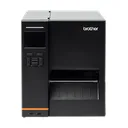
Built for labels too.
Brother's label printers are a mainstay of warehouses, depots and dispatch benches: shipping labels, shelf-edge tickets and asset tags, printed on demand right where the work happens. We supply and support them on the same managed terms as the office fleet.
Request a Label Printer Quote- QL seriesDesktop label printers for addresses, barcodes and visitor badges.
- TD seriesDesktop and mobile thermal printers for tickets, tags and labels on the move.
- TJ seriesIndustrial label printers built for high-volume warehouse and dispatch runs.
- One contractSupplied, installed and supported by us alongside the rest of your printing.
Want help choosing between brands?
Request a quote with the form above, or call the team and we will work out which Brother suits the size of your team. No obligation.
Call 0800 910 1000