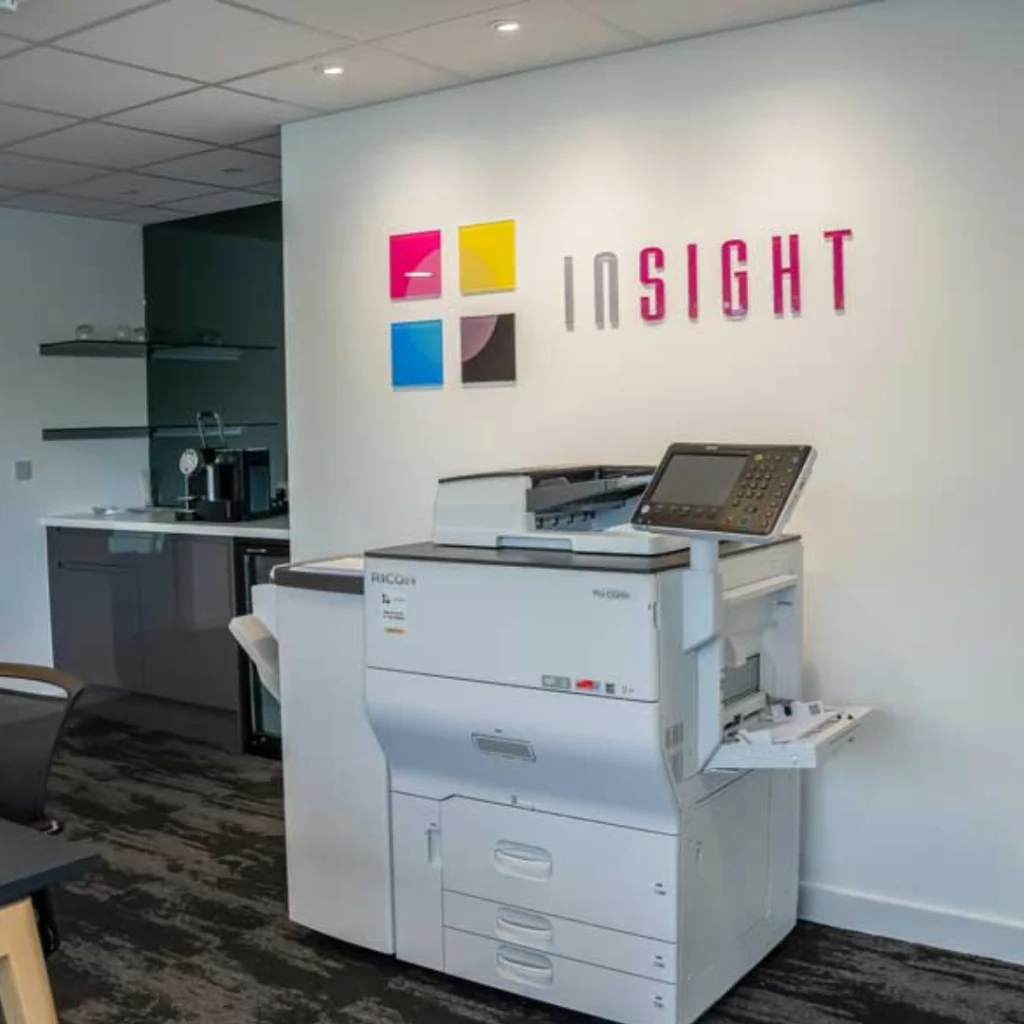


Managing multiple printers in a single office can quickly become a challenge. Different models, inconsistent settings, driver conflicts, toner shortages, and security vulnerabilities all create unnecessary support tickets and operational friction.
For office managers and IT leads, the goal is simple: reduce disruption, control costs, and make printing predictable. With the right structure and tools in place, managing a fleet of printers becomes far more manageable and far less reactive.
Below is a practical, step-by-step guide to simplifying multi-printer management in a single office, followed by clear indicators when you may need external support.
1. Start With a Printer Audit
Before making improvements, assess your current setup.
Key questions:
- How many printers are active?
- What brands and models are installed?
- Where are they located?
- What is the monthly print volume per device?
- How often do issues occur?
A free print audit often reveals:
- Underused devices in low-traffic areas
- Too many desktop printers driving up consumable costs
- Ageing devices causing recurring faults
- Visibility on printing cost, as well as who prints what
- Unncessary use of colour
This baseline gives you clarity before implementing change.

2. Standardise Where Possible
Mixed printer environments create complexity.
If your office uses multiple brands and models, you likely have:
- Multiple toner types
- Different drivers
- Inconsistent user interfaces
- Varied maintenance processes
Standardising devices (or at least reducing variation) offers:
- Easier troubleshooting
- Fewer driver conflicts
- Predictable supply management
- Lower training requirements
- Print consistency
A common approach is to categorise devices:
- High-volume multifunction printers (MFPs) in shared areas
- Smaller departmental printers for specialised tasks
- Restricted colour devices
3. Optimise Network Configuration
Assign Static IP Addresses
Avoid printer discovery issues and queue failures by assigning static IPs.
Use a Central Print Server
Deploy printers through a server rather than installing them individually on user machines. This allows:
- Centralised control
- Simplified driver management
- Easier troubleshooting
Segment Printer Traffic
For larger offices, placing printers on a separate VLAN enhances performance and security.
A stable network foundation eliminates many day-to-day issues.
4. Implement Print Management Software
This is often the turning point in multi-printer environments.
Solutions such as PaperCut MF allow you to centralise control across all printers.
Key benefits:
- Track usage by user or department
- Enforce duplex printing
- Restrict colour access
- Enable secure print release
- Generate cost reports
- Set print quotas
- Enable rules to convert colour printers to mono when appropriate
Instead of guessing where costs come from, you gain measurable insight.

5. Centralise Driver Management
Driver conflicts are a hidden productivity drain.
Best practice:
- Use manufacturer universal drivers where possible
- Deploy drivers centrally via a print server
- Prevent users from installing drivers independently
Additionally:
- Test driver updates before full rollout
- Schedule firmware updates strategically
- Keep documentation of versions across devices
Centralisation avoids unexpected downtime.
6. Set Clear User Access Rules
Not every user requires full printer functionality.
Consider:
- Restricting colour printing to authorised roles
- Enforcing PIN or ID card release for sensitive documents
- Applying departmental quotas
- Limiting administrative settings access
Secure print release ensures:
- Confidential documents aren’t left unattended
- Abandoned print jobs are reduced
- Paper waste decreases
Clear access policies improve accountability.
7. Monitor Devices Proactively
Reactive management leads to disruption. Proactive monitoring prevents it.
Modern fleet monitoring tools allow you to:
- Track toner levels
- Receive maintenance alerts
- Monitor device performance
- Detect abnormal usage
- Anticipate part replacements
This prevents:
- Unexpected downtime
- Last-minute supply shortages
- Business-critical delays
Monitoring gives you control over performance before issues escalate.
8. Reduce Waste and Control Costs
Printing costs quietly accumulate when unmanaged. Below, we’ve outlined tips and strategies to help you reduce waste.
Make Duplex Printing the Default
Automatically reduce paper usage across the office.
Enable Pull Printing
Only release jobs when users authenticate at the device.
Run Monthly Usage Reports
Identify high-volume departments and optimise behaviour.
Consolidate Underused Devices
Fewer efficient printers often cost less than many small ones.
Promote Digital Workflows
Encourage document sharing and archiving digitally where possible.
10. Create a Clear Support Structure
Printer issues often stall productivity.
Establish:
- A single internal contact point
- Defined response times
- Clear escalation paths
- A ticket logging process
If working with a service provider, ensure:
- SLAs are documented
- Remote diagnostics are active
- Automated consumable replenishment is configured
Clarity reduces confusion.
Signs You May Need External Help
Even with structured management in place, there are clear indicators that your printer environment may require additional support or a managed solution.
1. Support Tickets Are Increasing
If printer-related tickets consistently rank among the top IT issues, your environment is likely too complex or poorly optimised.
2. Costs Are Unpredictable
If you cannot clearly explain monthly print spend, including toner, servicing, and maintenance, visibility is lacking.
3. Frequent Downtime
Recurring breakdowns or repeated “offline” issues suggest infrastructure weaknesses or ageing hardware.
4. Security Concerns Are Growing
If your IT team is unsure about printer firmware versions, encryption settings, or password policies, risk exposure is increasing.
5. No Central Reporting Exists
If you cannot generate accurate print usage reports by department or user, optimisation becomes guesswork.
6. Devices Are Ageing
Older printers:
- Consume more toner
- Require more repairs
- Lack modern security features
- Integrate poorly with updated networks
7. IT Time Is Being Consumed
If your IT team spends excessive time resolving printer issues instead of focusing on strategic initiatives, the opportunity cost becomes significant.

When Structured Support Makes Sense
If multiple warning signs apply, it may be time to explore structured fleet optimisation or Managed Print Services. At Inisght Systems, we offer an end-to-end service, offering:
- Centralised monitoring
- Automated supply management
- Device rationalisation
- Security compliance management
- Predictable monthly costs
The goal is not just to fix printers, but to create a scalable, controlled, and secure print environment aligned with business growth.
Building a Smarter Print Environment
Managing multiple printers in one office does not have to be complicated.
When you combine:
- Standardisation
- Centralised drivers
- Print management software
- Network optimisation
- Security enforcement
- Proactive monitoring
- Clear usage policies
You transform printer management from reactive troubleshooting into strategic oversight.
For office managers and IT leads, the real objective is stability and predictability. When printers operate reliably in the background, securely, efficiently, and cost-effectively, your team can focus on higher-value work without constant disruption.
A structured approach today prevents operational headaches tomorrow. Speak to our expert team at Insight Systems to discuss a tailored solution for your print environment.